


You’ve built something, or you’re working with something someone else built, and now you need to know if it actually works the way it should. If that something is a REST API, you’re in the right place.
REST APIs are everywhere. They power the apps on your phone, the dashboards at your job, and the integrations that make modern software feel seamless. According to Postman’s State of the API report, over 86% of developers use REST APIs regularly, making it the most widely used API architecture in the world. That’s a lot of endpoints that need to be tested.
If you’re getting started with the REST API testing process and you’re on a Mac, this guide is written for you. We’ll cover what REST APIs are, why testing them matters, what to look for in a testing tool, and how to get up and running quickly using HTTPBot, a native Mac and iOS REST client built for exactly this kind of work.
What is a REST API, and why does it need testing?
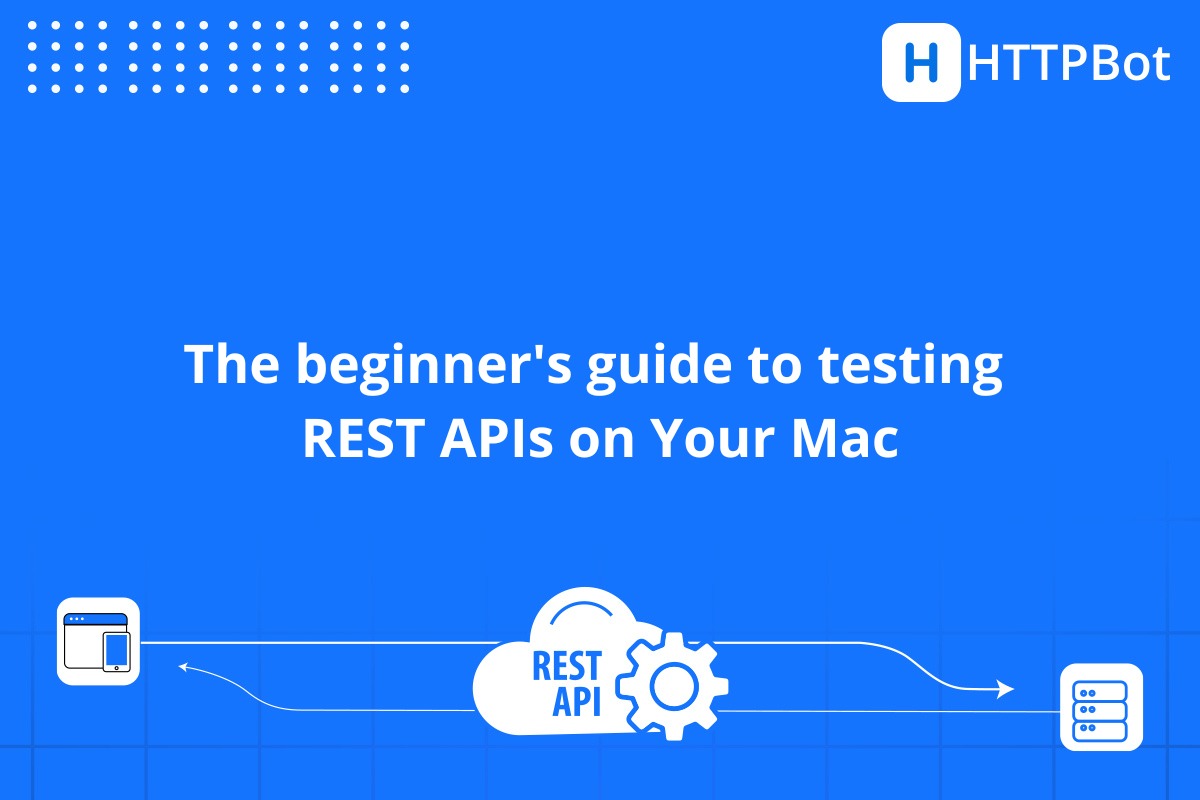
REST stands for Representational State Transfer. It’s an architectural style that defines how web services communicate using standard HTTP methods: GET, POST, PUT, PATCH, and DELETE. When an app fetches your weather data, submits a form, or updates a profile picture, it’s almost certainly using a REST API to do it.
Testing REST APIs means verifying that those communications behave as expected. Does the endpoint return the right data? Does it respond with the correct HTTP status code? Does it fail gracefully when given bad input? These aren’t just technical details. They’re the difference between software that works and software that quietly breaks things in production.
A 2023 Tricentis survey found that software failures cost organizations an estimated $2.41 trillion annually, with inadequate testing being a leading contributor. Getting into the habit of testing your APIs early, even informally, saves time, money, and quite a bit of stress.
The basics: what you’ll be doing when you test a REST API
When you’re testing REST APIs on a Mac (or any platform), your workflow will typically involve a few core activities:
- Sending HTTP requests – You’ll fire off requests to an API endpoint using a specific HTTP method and observe the response.
- Inspecting responses – You’ll check the response body (usually JSON), the status code, headers, and how quickly the server responded.
- Testing authentication – Many APIs require you to pass credentials, tokens, or API keys. Testing that auth works correctly is a critical step.
- Validating edge cases – What happens if you send an empty body? A string where a number is expected? Good API testing covers the happy path and the unhappy ones.
- Organizing your requests – As you test more endpoints, keeping your requests organized in collections helps you work faster and share your work with teammates.
Choosing the right tool for testing REST APIs on a Mac
There’s no shortage of API testing tools out there. Postman is probably the most well-known, but it’s a heavy, cross-platform application that wasn’t designed with the Mac experience in mind. For many developers who live in the Apple ecosystem, something purpose-built makes a noticeable difference.
Here’s what to look for in a good REST API testing tool for Mac:
- A clean, intuitive request editor that doesn’t slow you down
- Support for all major HTTP methods and authentication types
- Response inspection with syntax highlighting and query support
- Collections for organizing your API calls
- Environment variables so you can switch between dev, staging, and production without editing every request
- Native feel on macOS, not just a web app wrapped in a desktop shell
Popular REST API testing tools compared
Before committing to a tool, it’s worth knowing what’s out there. A few names come up repeatedly in the REST API testing space, and each has its own strengths depending on your workflow.
Postman is the most widely used API client, with over 30 million users worldwide. It’s feature-rich and supports collaboration, automated testing, and mock servers. The trade-off is that it’s a heavy Electron app, and on Mac it can feel sluggish or out of place compared to native applications.
Insomnia is a leaner alternative that developers often reach for when Postman feels like too much. It has a clean interface and solid GraphQL support, but it’s still a cross-platform tool and doesn’t integrate with the Apple ecosystem.
curl is the command-line option that’s available on every Mac right out of the box. It’s powerful and scriptable, but not beginner-friendly. Reading a deeply nested JSON response in a terminal window is not most people’s idea of a good time.
For developers and testers who are firmly in the Apple ecosystem, and especially those who want to test on both Mac and iPhone or iPad, none of the above were built with you in mind. That’s where HTTPBot comes in.
HTTPBot: purpose-built for Apple devices
HTTPBot is a powerful REST API client designed specifically for iOS, iPadOS, and macOS. It’s been in the market for over four years, holds a 4.5/5 rating based on more than 5,300 user reviews, and is available as an annual plan from $19.99/year or a one-time lifetime purchase — significantly cheaper than Postman’s team plans.
A few things beginners often overlook
Even with a good tool in hand, there are some common gaps in early REST API testing practice worth flagging:
- Not testing error scenarios – It’s tempting to only test the happy path. But APIs that fail gracefully under bad input are more robust and easier to debug.
- Ignoring response headers – Headers carry important information about rate limits, content types, caching, and security. Get in the habit of checking them.
- Skipping authentication testing – Verify that protected endpoints actually reject unauthenticated requests. It’s a quick check that catches real vulnerabilities.
- Not using environments – Hard-coding URLs or tokens is fine for a quick test, but it creates friction and risk as your project grows.
Start testing with confidence
REST API testing doesn’t have to be intimidating. At its core, it’s about sending requests, reading responses, and verifying that things work the way they’re supposed to. With the right tool and a basic understanding of what to look for, you can go from zero to productive in an afternoon.
For Mac users especially, having a tool that was built for your platform, not just ported to it, makes a real difference. HTTPBot gives you a full-featured REST API client that feels native on macOS, works seamlessly across your Apple devices, and doesn’t load you down with features you’ll never use.
Whether you’re a developer debugging your own API, a QA engineer validating a new integration, or someone who just wants to understand what an API actually does, HTTPBot is a practical, well-designed place to start.
Download HTTPBot today and see how straightforward testing REST APIs on a Mac can be.